Import the video
Keep the clip for tracks, frame annotations and classification ranges. Preview sampled model predictions or extract frames with their annotations.
Video annotation
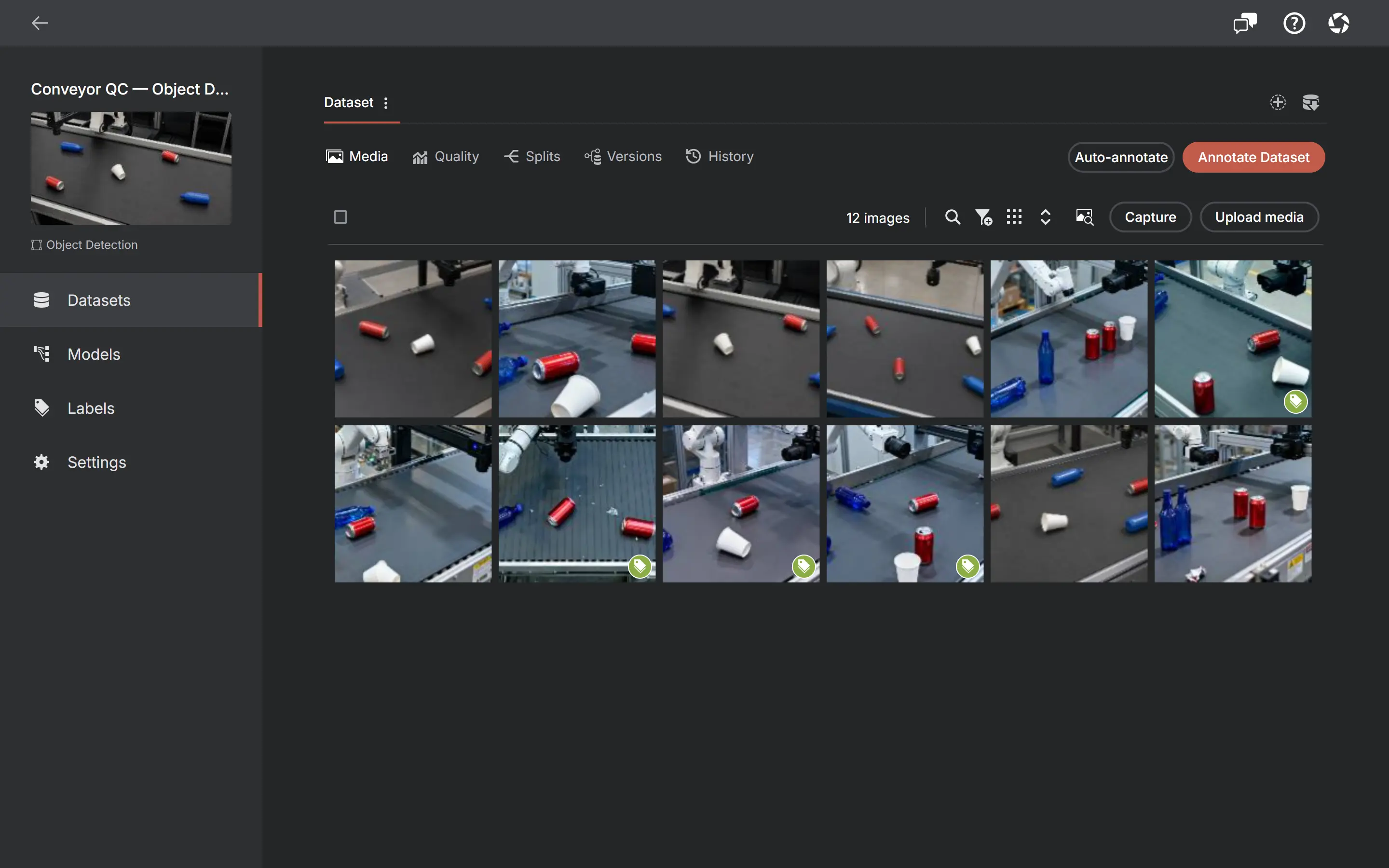
Import supported CFR or VFR video into any project and use the workflow that matches its task: box tracks for object detection, object-mask tracks for instance segmentation, frame-by-frame keypoints, or frame ranges for classification.
Related video tutorial
Extract frames, drop duplicates, split, export
Object Detection keeps box identity across keyframes; Instance Segmentation keeps an object-mask track. Boxes and compatible polygons interpolate; raster masks hold their exact pixels until the next keyframe.
Frames are selected using timing read from the video, not an assumed 30 FPS, and decoded on your device. Nothing is sent anywhere.
Keypoints stay frame-by-frame; the three Classification variants label whole-frame ranges.
Extracting frames copies the annotations you already drew — interpolated track positions included — onto the resulting images, by default.
Take photos manually, on a timer, after motion or when Smart capture finds a useful frame — or switch to Video and record a silent clip from the selected camera. Photos and completed clips stay staged on-device until you review them and select Accept.
The media grid shows the annotation status of every frame, so you always know what is left.
Keep original video bytes, frame annotations and tracks in video-aware formats such as Supervisely Video, MOT, MOTS or Datumaro. Extract frames first for image-oriented COCO, YOLO or Pascal VOC workflows.
All six image/video project types accept images and supported CFR or VFR video, including compatible Camera clips. Object Detection uses keyframe box tracks, Instance Segmentation uses object-mask tracks, Keypoint Detection is frame-by-frame, and the three Classification variants use frame ranges. You can also extract selected frames as images locally.
A recording can become a native video dataset or a source of selected stills. Choose according to what you need to label.
Keep the clip for tracks, frame annotations and classification ranges. Preview sampled model predictions or extract frames with their annotations.
Use playback speed, looping and manual, timelapse, motion or available Smart capture rules. Inspect staged frames before Accept; their recording positions stay with the images.
Collect stills or record silent clips. Source names, sessions and capture reasons connect the resulting media back to its collection.
RTSP/HTTP network cameras are available in the Windows and macOS app; watched folders are not implemented. A playable local recording can be used as a video-file source.
Yes. Open a playable video file as a Capture source and collect stills manually or with timelapse, motion or available Smart rules. Captures stay staged until Accept and retain their recording timestamp. This differs from importing the video for timeline annotation.
With an available model in AI mode, precompute sampled predictions for playback. Inspect them and explicitly accept the current frame or cached predictions across the video. This is not frame-locked real-time inference or automatic object-identity tracking.
MP4, MOV, M4V and WebM with CFR or VFR, readable timing and a codec supported by the running platform. AVI/MKV frame extraction is available through the native desktop decoder, but playback can still be unavailable. Variable-frame-rate video is supported with average FPS and exact frame indices; imported bytes and timing stay unchanged.
No. Frame extraction happens on your device. Sending a dataset to an optional ML runner is a separate, explicit action.
No. You pick the frames worth labeling — nothing forces you through the whole clip.
Yes, in Object Detection and Instance Segmentation. Detection keeps box identity across keyframes; instance segmentation uses object-mask tracks. Keypoint Detection is frame-by-frame instead, while the three Classification variants label frame ranges. There is no automatic tracker model; keyframes are yours to place.
No. Extraction copies the annotations of any frame that has them onto the extracted image — it is on by default, and it happens before the video is removed if you asked for that.
Supervisely Video, MOT and MOTS apply when the dataset contains video — MOT for detection tracks, MOTS for instance-segmentation masks — while Datumaro can mix images and native video. For image-oriented COCO, YOLO or Pascal VOC, extract frames first. Untouched original video bytes stay unchanged in exports.
Older videos without verified frame timing are blocked to keep labels from moving onto different frames. Their ids and annotations are unchanged. Re-import the original as a new video and review any annotation transfer separately; an old annotated archive does not silently upgrade the timeline.
Create your first local project in the browser. Optional ChatGPT or Claude annotation needs your own AI connection.
Questions before you start?Contact support →