How AnnotateIt processes data
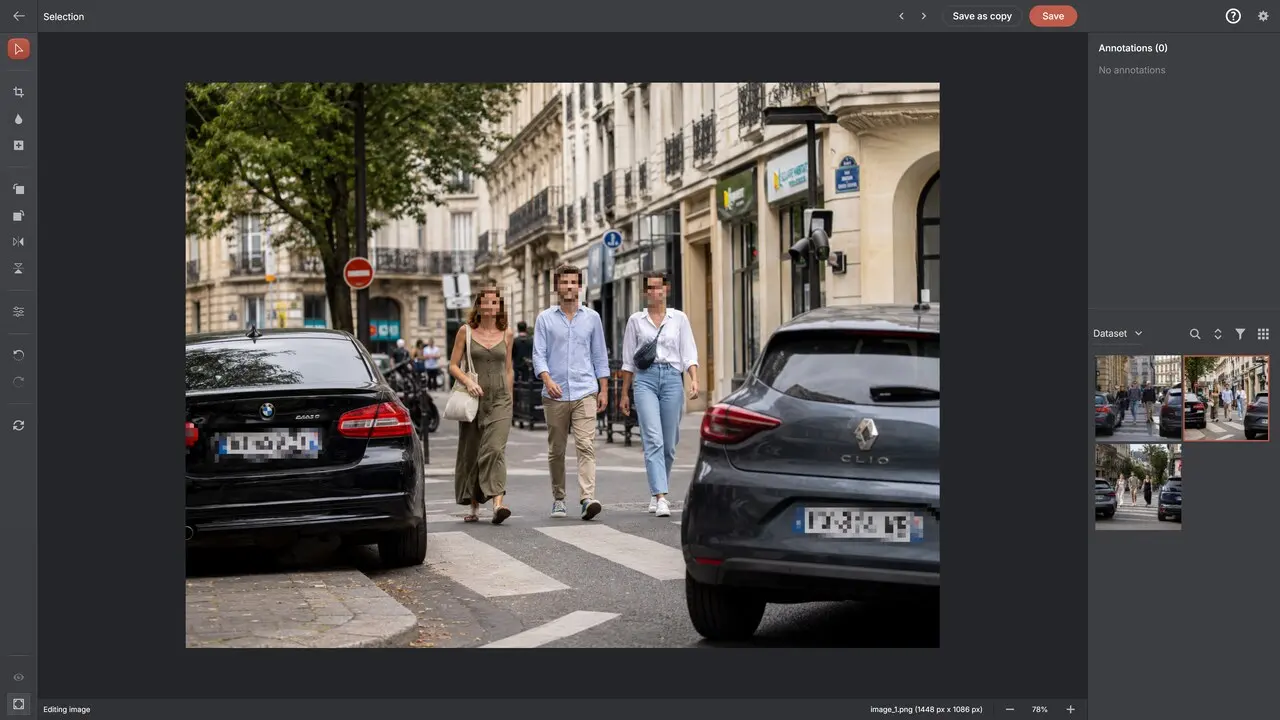
AnnotateIt AI stores projects, media, labels and annotations on the device you are using. Manual annotation and local AI tools execute on that device. Optional AI Assistant sends the content needed for your requests to the selected provider (OpenAI or Anthropic) through your selected connection.
Local annotation requires no AnnotateIt cloud account and has no cloud sync or shared server-side annotation queue. External AI uses your own OpenAI or Anthropic account. You can separately connect an ML runner for supported training and inference jobs.
What stays on the device
The local annotation workflow stores the following on the device. Explicit exports, external AI requests and ML jobs can transfer selected data:
- Images and videos you import, at full resolution
- Labels, annotations, attributes, keyframe tracks and skeleton templates
- Dataset versions, quality reports, train/validation/test splits and activity history
- Semantic-search indexes, which are computed on your device from your own images
- Everything an export produces — it is written where you choose to save it
What network access may still occur
"Nothing leaves" would be a slogan, so here is the precise version. The browser build downloads the application itself, and downloads the AI engines you choose to use. That traffic goes one way: your images, videos, labels and annotations are not part of it. You can watch this directly — open a network monitor beside the app and annotate.
The desktop and mobile builds contain no analytics and no telemetry of any kind: the app never reports what you annotate, which tools you use or what is in your datasets. This website and the web app load a cookieless Cloudflare page-analytics beacon that counts page views and load timings; this marketing website additionally records aggregated, cookieless first-party interaction events (which buttons and links were used) — no persistent identifier, and nothing about what is in your datasets.
- Local annotation does not upload media or annotations. Optional AI Assistant sends requested context and attached previews to the selected provider (OpenAI or Anthropic); an ML job sends its selected dataset bundle to your configured runner.
- Downloaded: the application and any optional AI engines you pick; native builds already bundle the default engines
- Where local inference runs: your CPU, or your GPU through WebGPU where available
- Optional AI Assistant can annotate the current image or video frame through OpenAI API or Claude API, or through ChatGPT via Codex or Claude Code on Windows/macOS. Sending a message with the image attached shares its preview, project labels and annotation context with the selected provider (OpenAI or Anthropic). Attachment is on by default in external-assistant mode and can be disabled. Local AI tools remain separate; optional ML jobs send selected dataset bundles to your configured runner.
Privacy by platform
Local annotation works on each supported platform. Native builds bundle their default local AI models; additional supported desktop models may need downloads. The browser downloads the app and models, then caches them for local use. External connections differ by platform:
The macOS and iOS/iPadOS apps share an App Store record. Its privacy declaration must cover the practices of both apps, even when a connection is available only on Mac. Using the web app in a browser on an iPhone or iPad follows the Web rules.
- Web: OpenAI API or Claude API using your own provider key, saved separately in browser localStorage. No desktop CLI connections.
- Windows: OpenAI API or Claude API, or ChatGPT / Claude Code through their separately installed CLIs. API keys are saved separately in Windows Credential Manager.
- macOS: OpenAI API or Claude API, or ChatGPT / Claude Code through their separately installed CLIs. API keys are saved separately in macOS Keychain.
- Native iOS/iPadOS: no AI Assistant API-key or desktop CLI connections.
Offline and air-gapped operation
Install a native build on a connected machine, then move that machine — or the install — into the isolated environment. The default engines are bundled, so nothing needs to be fetched later, and dataset import and export both work through files.
Be careful with the word "offline", because it hides a real difference. A self-hosted server is offline in the sense that data stays inside your network, but a machine still has to run the server; not every product requires containers. AnnotateIt is offline in the sense that nothing needs to be running except the application.
Sensitive-data workflows
Manual annotation and local AI tools use device storage without uploading your project content. If you enable an external AI connection or start a remote ML job, assess the receiving service, the selected data and its retention and access controls before sending sensitive material.
AnnotateIt does not claim compliance certification. The app has no per-user access control or account-based audit trail. Local processing alone does not establish that a particular workflow meets your legal or organisational requirements.
Protect local projects with device access controls, encryption and backups. Projects do not automatically sync: export a project archive for anything you cannot afford to lose.